
What to Do Before You Start Posting Content
One of the biggest mistakes Instagram beginners make is simple.
They start by creating content.
Of course, content matters.
If you keep posting consistently, Instagram will eventually collect data, analyze who responds to your content, and start showing your account to more relevant people.
But there is one problem.
That process takes time.
A new Instagram account has almost no data.
Instagram does not yet know what your account is about, who should see your content, or which audience is most likely to respond.
That is why even a good Reel can get low reach in the beginning.
It is not always because the content is bad. Sometimes, the algorithm simply does not understand your account yet.
So before you post more content, you need to do one thing first.
You need to set up your account properly.
The purpose of the initial setup is simple.
Tell Instagram clearly who you are and who your content is for.
When your account is properly set up, Instagram can categorize your profile faster and test your content with a more relevant audience.
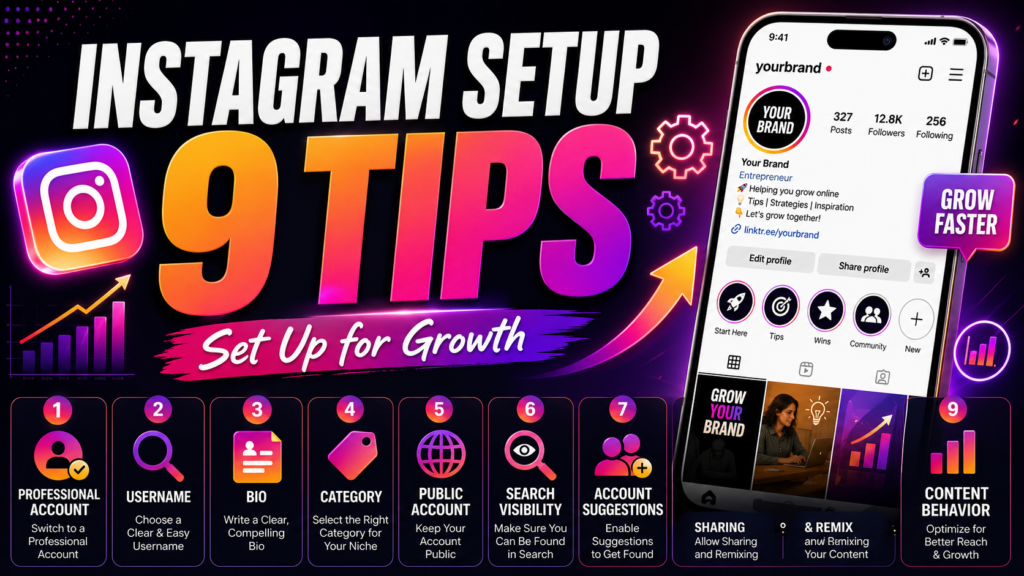
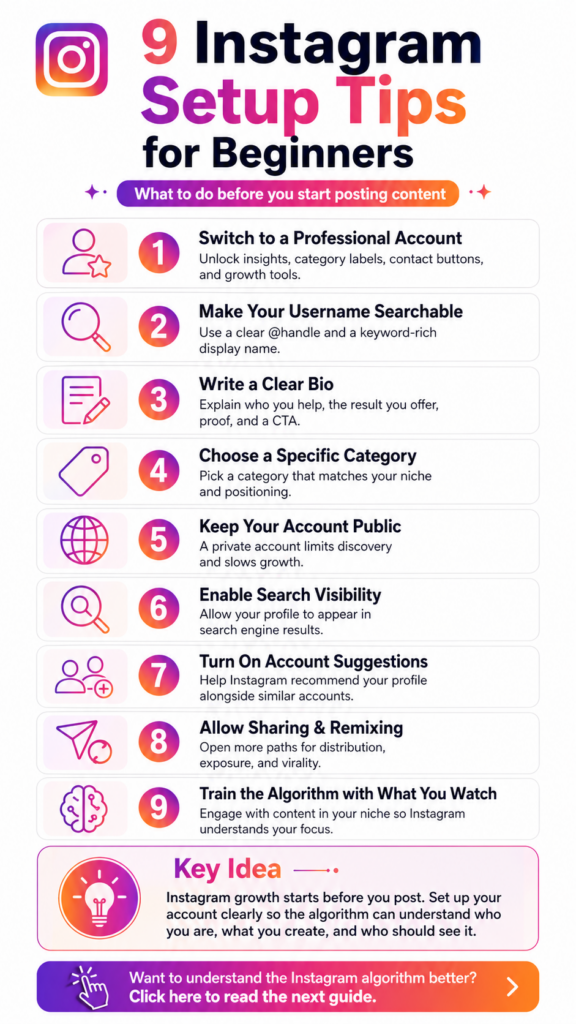
Here are 9 Instagram setup tips every beginner should check before trying to grow an account.
1. Switch to a Professional Account
If you want to grow on Instagram, do not start with a personal account.
Switch to a Professional Account first.
Go to your settings, find the account section, and choose Switch to Professional Account.
This unlocks important features such as:
- Insights
- Category labels
- Contact buttons
- Advertising tools
The most important one is Insights.
Without Insights, you cannot properly see which posts are working, who is visiting your profile, and which content is leading to followers.
There are usually two main types of professional accounts:
Creator Account and Business Account.
If you are a personal brand, creator, coach, consultant, or solo expert, a Creator Account is usually the better choice.
If you run a store, company, or team-based brand, a Business Account may be more suitable.
For most solo creators, a Creator Account is enough.
2. Make Your Username and Name Searchable
Many people overlook one of the most important parts of Instagram SEO.
Your name field.
Instagram has two major searchable profile fields:
Username, which is your @handle.
And Name, also called Display Name.
Many people only put their real name in the name field.
But that can be a mistake.
Most people are not searching for your name.
They are searching for a topic, problem, niche, or solution.
For example, if you create content about YouTube strategy, writing only “Donggun” is not as strong as writing:
YouTube Strategist Donggun
This gives Instagram and users a clearer signal about what your account is about.
If someone searches for “YouTube strategy,” your account has a better chance of appearing as a relevant result.
The key idea is this:
Your name field is not just for your name. It is also a search keyword field.
Think about what your target audience would search for when they need someone like you.
3. Write a Clear Instagram Bio
Your bio is one of the first things people see when they visit your profile.
It needs to answer a few questions very quickly.
Who is this account for?
What result does it help people get?
Why should people trust you?
What should they do next?
A good Instagram bio usually includes four elements:
Who you help.
What result you provide.
Proof or positioning.
A clear call to action.
For example:
YouTube Strategist Donggun
I help solo experts redesign channels that are not growing
1 hour per week / AI-powered / proven channel strategy
Author of Attraction Theory and Gap Mapping
10+ channels / 200M+ total views
Strategy, not guesswork
Apply for a free channel diagnosis
This bio works because it is clear.
It tells people who the account helps.
It explains the result.
It gives credibility through numbers and positioning.
It tells the visitor what to do next.
A weak bio looks like this:
“I share my daily life and inspiration.”
That may sound warm, but it is not specific enough for growth.
People should understand why they should follow you within a few seconds.
Your bio is not just decoration.
It is a conversion tool.
4. Choose a Specific Category
Your Instagram category is more important than many beginners think.
It helps Instagram understand what type of account you are running.
Do not choose a vague category if your goal is growth.
For example, “Public Figure” is often too broad.
Instagram may not clearly understand whether you are an educator, creator, consultant, marketer, or business owner.
Choose a category that closely matches your actual content and positioning.
For example:
Digital Creator.
Education.
Consultant.
Marketing Service.
Business Consultant.
The more accurate your category is, the easier it becomes for Instagram to test your account with the right audience.
If your category is wrong, you may still get reach, but it can be the wrong kind of reach.
That is when people see your content but do not follow.
5. Make Sure Your Account Is Public
This one sounds obvious, but many people still miss it.
If you want to grow, your account should not be private.
A private account blocks many discovery paths.
Instagram cannot freely show your content to non-followers in the same way.
Some people keep their account private because they want to look mysterious or exclusive.
But mystery works only when people already know you.
If you are starting from zero, a private account is like opening a store and locking the front door.
If your goal is growth, make sure your account is public.
Check your settings and make sure Private Account is turned off.
6. Allow Search Engine Visibility
This is a setting many people do not know about.
Instagram has an option that allows your profile to appear in search engine results.
When this is turned on, your Instagram profile may appear on Google or other search engines.
Not every post will be indexed, and Instagram may still limit some content visibility.
But if this setting is turned off, you remove the possibility of external search traffic.
For example, if someone searches your name, brand name, or niche keyword on Google, your Instagram profile may appear in the results.
That is a small but valuable discovery path.
It takes only a few seconds to turn on.
If you want more chances to be discovered, keep search engine visibility enabled.
7. Turn On Profile Account Suggestions
This is one of the most underrated Instagram growth settings.
On desktop, go to Instagram, edit your profile, and look for the option related to showing account suggestions on profiles.
This option may not appear the same way on the mobile app.
When it is turned on, your account may appear in recommendation areas when people follow similar accounts.
For example, if someone follows a creator in your niche, Instagram may show similar accounts in a recommendation section.
If your account is clearly categorized, you may appear in that suggestion list.
This can become a free discovery channel.
Of course, it works better when your account is active and your content is consistent.
But there is no reason to leave this option turned off if your goal is growth.
8. Allow Sharing and Reuse
When you are starting from zero, your biggest problem is not that people will copy your content.
Your biggest problem is that nobody knows you yet.
That is why sharing and reuse settings matter.
If people can share your Reels to their Stories, remix your content, or embed your posts elsewhere, your content has more chances to spread.
This is free exposure.
Of course, copyright and brand protection matter.
But in the early stage, distribution is usually more valuable than control.
Allowing sharing, remixing, and embedding gives your content more paths to travel.
If you close every permission too early, you may also close off your chance to go viral.
9. Train the Algorithm With What You Watch
Instagram does not only learn from what you post.
It also learns from what you watch, like, save, comment on, and follow.
This is especially important for new accounts.
When an account has very little data, Instagram may use your behavior to understand what kind of world your account belongs to.
For example, if you want to grow an account about content strategy, social media marketing, and personal branding, you should intentionally engage with that type of content.
Watch relevant Reels until the end.
Save useful posts.
Leave thoughtful comments.
Follow similar creators in your niche.
But if you keep engaging with fitness, travel, food, and comedy content, Instagram may connect your account with those interests instead.
Then your own content may be shown to the wrong audience.
The result can be frustrating.
You get reach, but not followers.
People see your content, but they do not care enough to stay.
So remember this:
What you consume is also a signal.
If you want Instagram to understand your niche, your behavior should match the niche you want to grow in.
Final Thoughts: Instagram Growth Starts Before You Post
The goal of Instagram setup is simple.
Help the algorithm understand your account faster.
Who are you?
What topic do you cover?
Who should see your content?
Why should someone follow you?
Your profile, name, bio, category, visibility settings, sharing settings, and content behavior should all send the same message.
Even without proper setup, Instagram may eventually understand your account.
But it can take much longer.
With the right setup, you make the algorithm’s job easier.
And when the algorithm understands you faster, your content has a better chance of reaching the right people sooner.
These 9 settings can usually be checked in 30 to 60 minutes.
But that one hour can save you days, weeks, or even months of slow growth.
Instagram growth is not just luck.
It is design.
One-Sentence Summary
Before posting more content on Instagram, set up your account properly so the algorithm can understand who you are, what you create, and who should see your content.
Want to understand how the Instagram algorithm actually works?
Click here to read the full guide to the Instagram algorithm.